

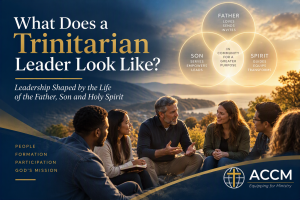
What Does a Trinitarian Leader Look Like?
Christian leadership begins not with power, position, or influence, but with the God who is Father, Son, and Holy Spirit. Discover how a Trinitarian understanding of God reshapes the way we lead, serve, and participate in God’s mission.
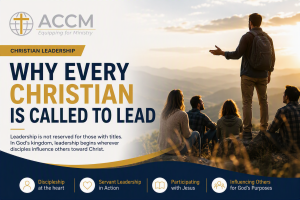
Why Every Christian Is Called to Lead
Christian Leadership Why Every Christian Is Called to Lead Leadership is not reserved for pastors, ministry leaders or people with official titles. In God’s kingdom,
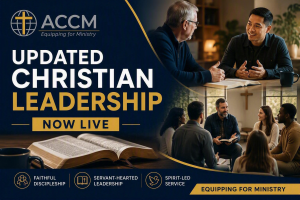
Updated Christian Leadership Course Now Live
Updated Christian Leadership Course Now Live Equipping disciples for servant-hearted leadership in the mission of Jesus Christ. Ambassador College of Christian Ministry (ACCM) is pleased
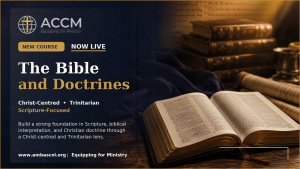
The Bible and Doctrines: ACCM’s New Foundational Course is Now Live
The Bible and Doctrines Now Live | Build a strong foundation in Scripture, biblical interpretation, and Christian doctrine through a Christ-centred and Trinitarian lens. At